
Points to Pixels Online Tool Description
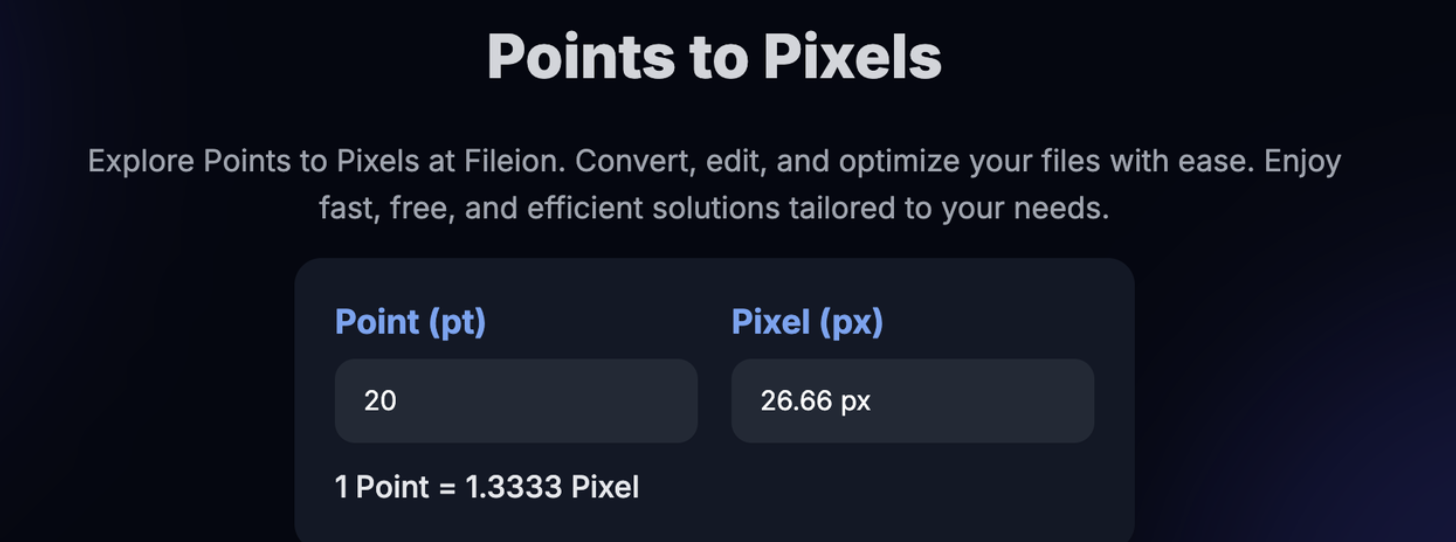
Converting points (pt) to pixels (px) is a common task in design, digital publishing, and web development. Since points are traditionally used in print and pixels in digital formats, designers often struggle when moving projects between the two. With our converter, set to 96 DPI, you can instantly get accurate results, saving time and avoiding design inconsistencies.
Why We Created This Tool
We created this tool because design work often requires switching between print and screen units. Manual conversions can be confusing, especially since results depend on DPI settings. By fixing the conversion at 96 DPI (the web standard), this tool ensures consistency across digital platforms, making it easier for designers, developers, and students to get precise point-to-pixel conversions.
Who Should Use This Tool
-
Graphic designers and UI/UX professionals
-
Web developers working with CSS and layouts
-
Students learning design and typography
-
Anyone needing accurate pt-to-px conversions at 96 DPI
How to Use This Tool
-
Enter the value in points (pt).
-
See the equivalent in pixels (px).
Key Features
-
Accurate conversion based on 96 DPI
-
Instant results with no manual math
-
User-friendly and reliable
-
Perfect for design, web, and digital projects

